Getting Started with cURL

What is cURL?
\=cURL is a command-line tool used to send requests to a URL and get a response back.
cURL is like a browser without a screen
It talks to servers and shows the response in text form
Mainly used by developers and system admins
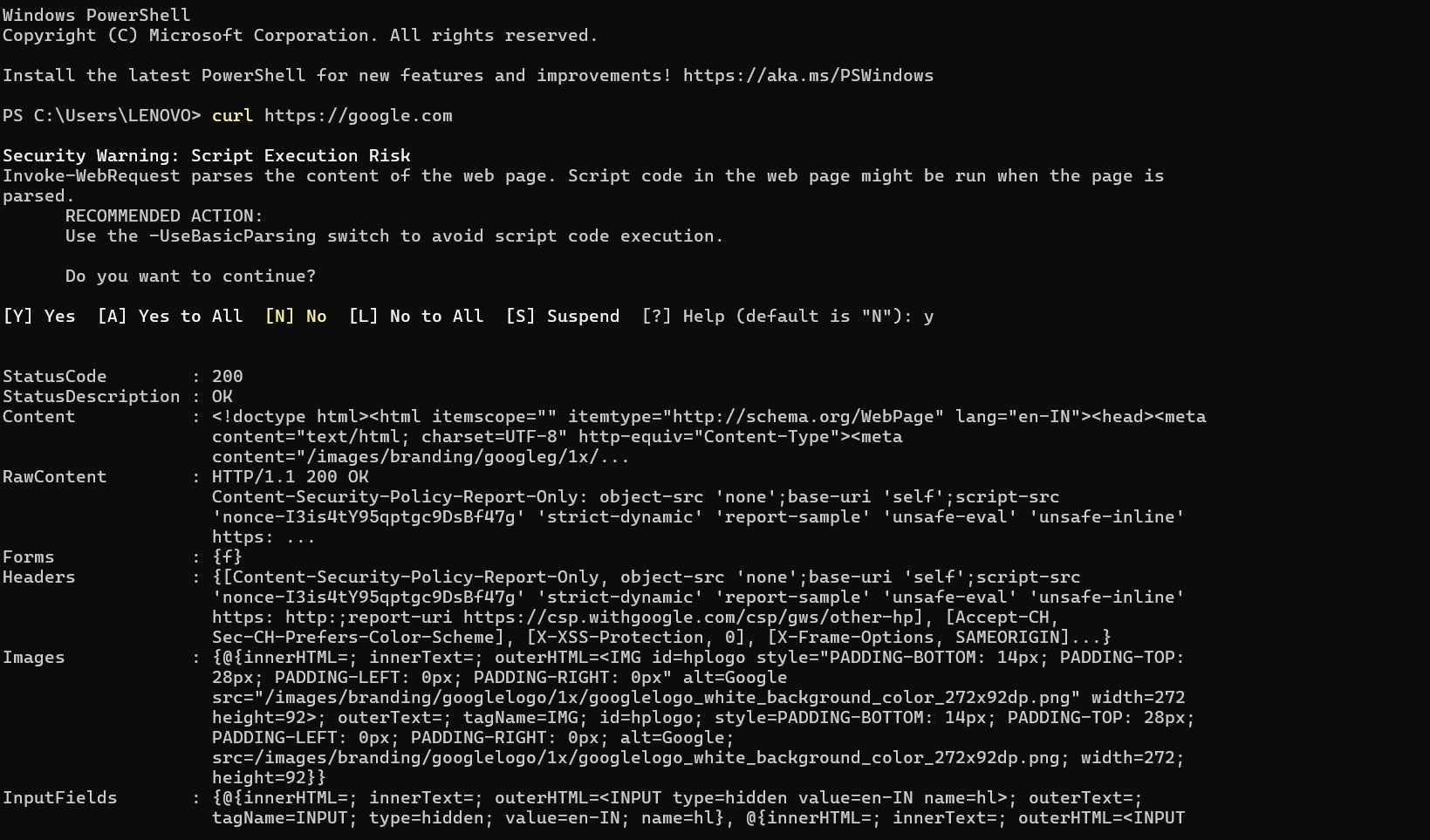
cURL asks the server for the website data and prints the response in the terminal.
Why programmers need cURL?
\= Programmers use cURL because it allows them to directly communicate with servers from the command line. It is a simple but powerful tool for testing, debugging, and automation.
Key Reasons Programmers Use cURL
API Testing
Test REST APIs without writing code
Send GET, POST, PUT, DELETE requests easily
Debugging Network Issues
Check if a server is reachable
Inspect HTTP status codes, headers, and responses
Quick Data Fetching
Download or upload data from a URL
Fetch JSON, HTML, or files in seconds
Automation & Scripting
Use cURL in shell scripts, CI/CD pipelines, and cron jobs
Automate repetitive network tasks
No Browser Required
Works without a UI
Ideal for servers, cloud machines, and remote systems
Supports Many Protocols
HTTP / HTTPS
FTP / FTPS
SMTP, IMAP, and more
Making your first request using cURL
Understanding request and response
\= What is a Request?
A request is a message sent by a client (browser, app, or cURL) to a server, asking for something.
A Request Contains:
Method (GET, POST, PUT, DELETE)
URL (where the request is sent)
Headers (extra information)
Body (data sent to the server – optional)
Example (using cURL)
curl https://example.com
Here, cURL is requesting the webpage from the server.
What is a Response?
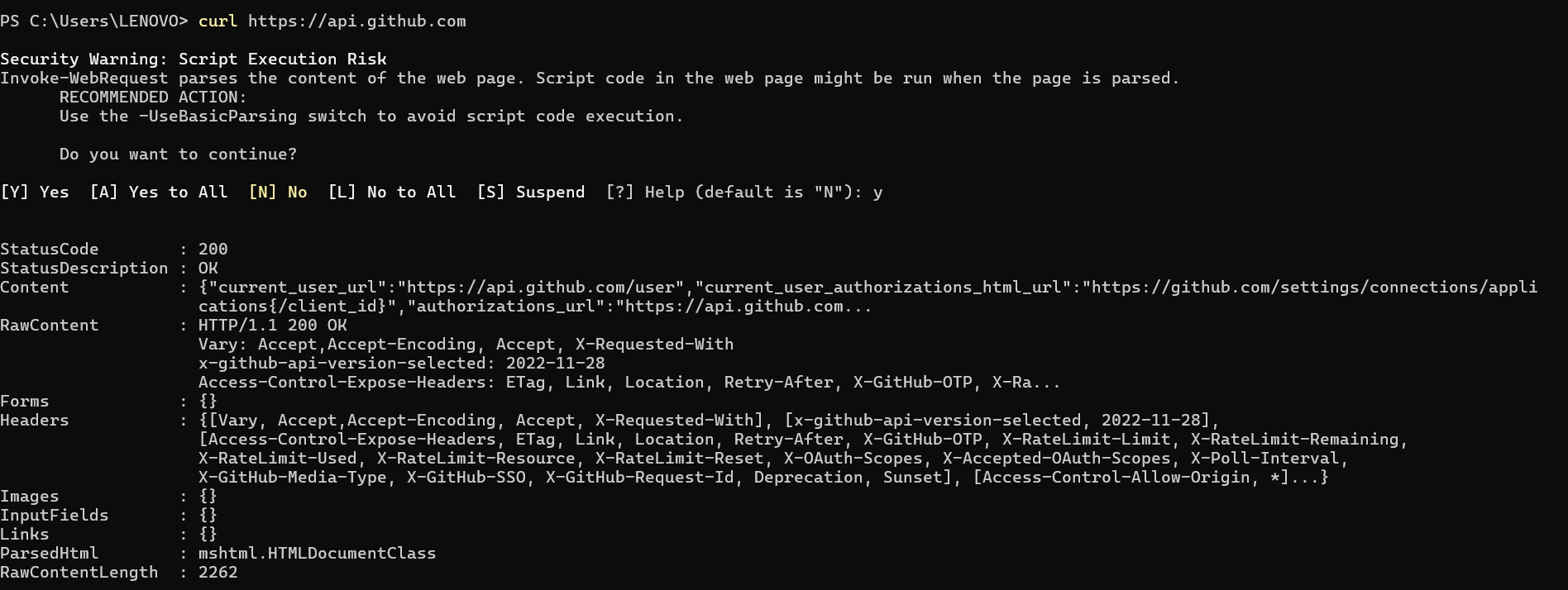
A response is the reply sent back by the server to the client.
A Response Contains:
Status code (success or error)
Headers (response information)
Body (actual data like HTML or JSON)
Example Response Parts
200 OK → Request successful
404 Not Found → Page not found
500 Server Error → Server problem
Simple Flow (Easy to Understand)
Client sends a request
Server processes it
Server sends a response
Client displays or uses the data
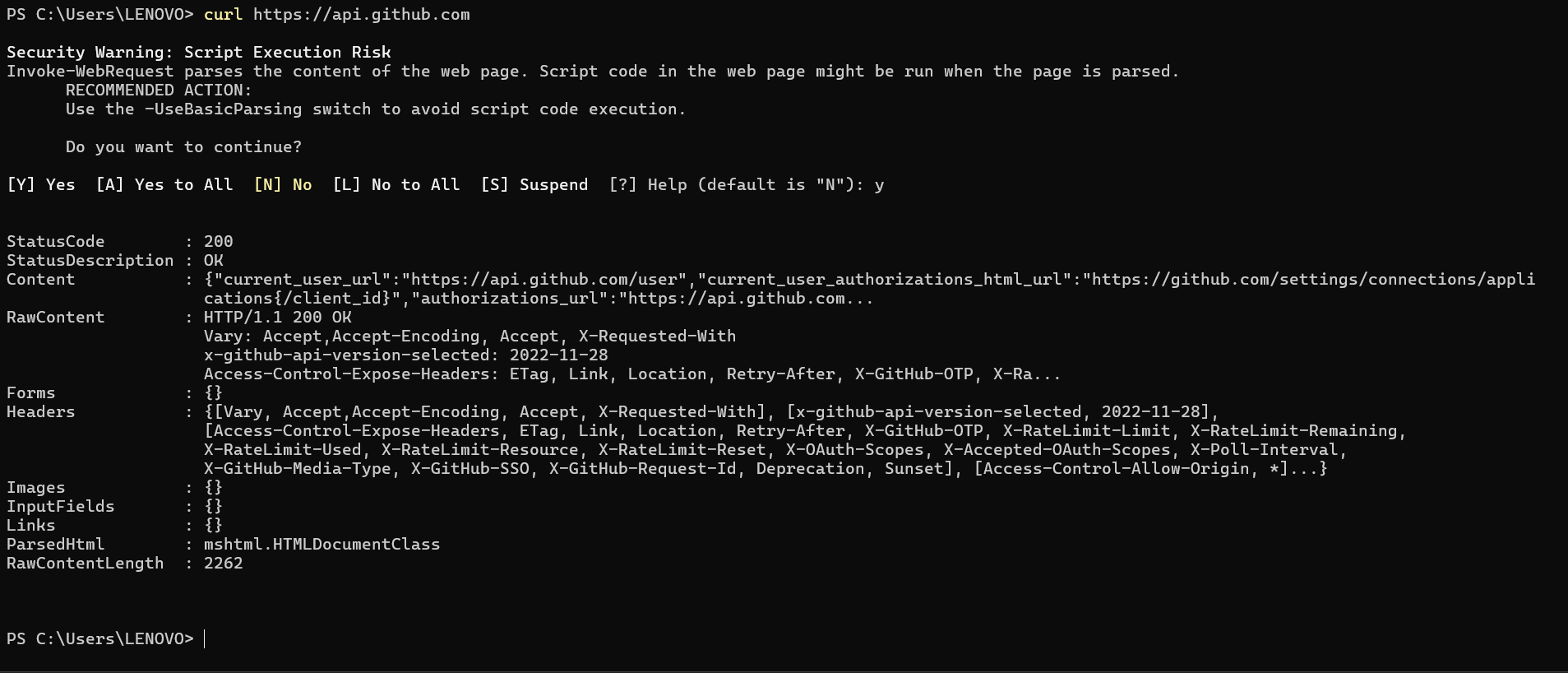
Using cURL to talk to APIs
Common mistakes beginners make with cURL
\=When starting with cURL, beginners often face errors due to small but important misunderstandings. Below are the most common mistakes, explained simply.
Forgetting the Protocol (http / https)
Wrong:
curl example.com
Correct:
curl https://example.com
Always include the protocol, otherwise cURL may fail or behave unexpectedly.
Using POST Without -X POST
Wrong:
curl https://api.example.com -d "name=test"
This works, but beginners don’t realize:
-dautomatically makes it a POST request
Better (clear and readable):
curl -X POST https://api.example.com -d "name=test"
Not Setting Content-Type Header
Wrong:
curl -X POST https://api.example.com -d '{"name":"test"}'
Correct:
curl -X POST https://api.example.com \
-H "Content-Type: application/json" \
-d '{"name":"test"}'
APIs may reject the request without the correct header.
Forgetting Quotes Around URLs with Parameters
Wrong:
curl https://api.example.com/users?id=1&role=admin
Correct:
curl "https://api.example.com/users?id=1&role=admin"
& is a shell operator; without quotes the command breaks.
Confusing -I and -i
-I→ Only headers-i→ Headers + body
Mistake:
curl -I https://example.com
(User expects webpage content)
Ignoring HTTPS Certificate Errors
Beginners often see SSL errors and panic.
Quick but unsafe:
curl -k https://example.com
Use -k only for testing, never in production.
Not Following Redirects
Problem:
curl http://example.com
(Returns redirect only)
Fix:
curl -L http://example.com
Expecting Pretty Output Automatically
cURL shows raw output, not formatted.
Expectation:
Pretty JSON
Reality:
Single-line JSON
Use:
curl https://api.example.com | jq
Forgetting to Check Status Codes
Beginners look only at response body.
Always check:
curl -i https://api.example.com
In Short
Beginners struggle with cURL mainly because of:
Missing headers
Wrong methods
URL formatting issues
Misunderstanding flags
Once these are clear, cURL becomes a very powerful and reliable tool.